One shelf photo in.
One product count out.
Drag and drop a shelf photo, a YOLO detector boxes every product, and a lightweight dashboard logs the total next to each thumbnail, in a few seconds.
- ~0.3 s
- per photo on CPU
- 0.91
- mAP@0.5 on SKU-110K
- 1 cmd
- docker compose up
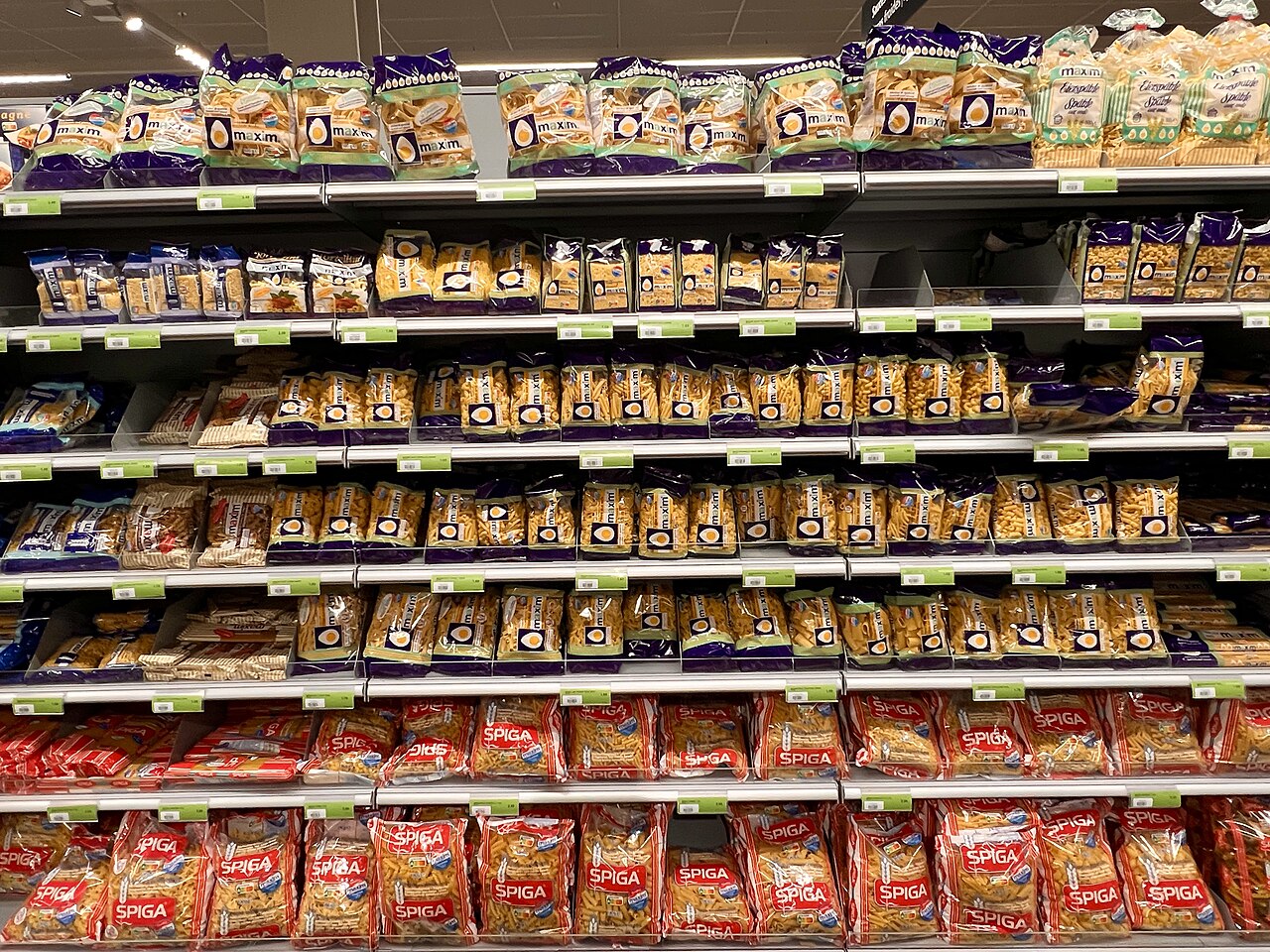
Products counted
···
How it works
An end-to-end pipeline, built to be fine-tuned later.
Upload
Drag and drop a shelf photo or browse. JPG, PNG or WEBP, any resolution.
Detect
A YOLOv8 model trained on dense retail shelves boxes every facing.
Filter
Confidence threshold and overlap filtering (NMS) so each product counts once.
Log
The dashboard stores the thumbnail, the total and the count per shelf level.
2 interfaces, one application
Choose your role to explore the prototype.
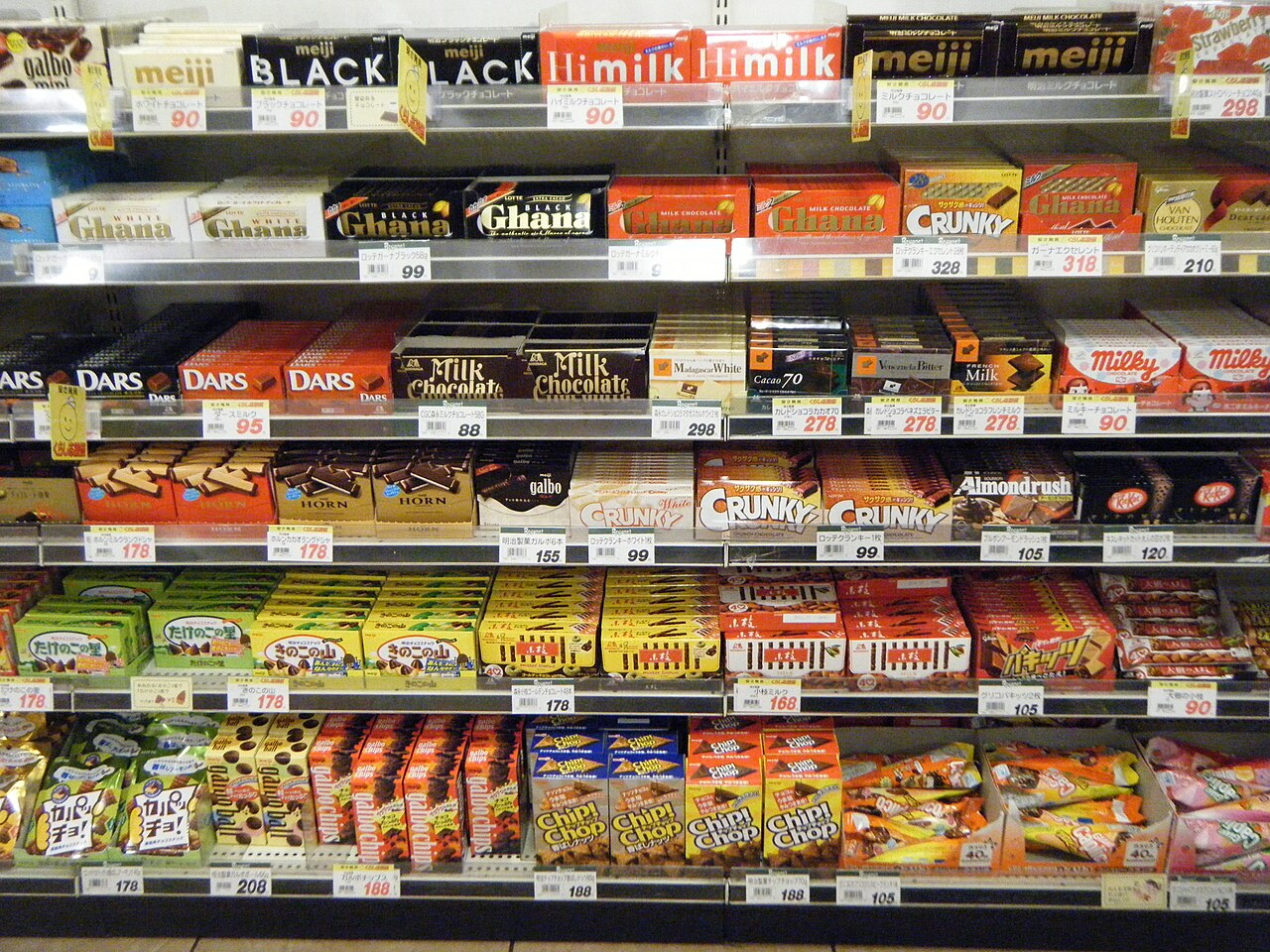
What you receive
Source code, a running demo, a clear README.
Detection & counting model
Pre-trained YOLO detector adapted to dense shelves, with a tuned threshold and overlap filtering.
Counting API
A small Python API: image in, count out. The model sits behind a clean interface.
Web dashboard
Drag and drop upload, thumbnail and count recorded for each processed photo.
Docker + README
One command to run everything, plus model choice, training approach and next steps.
CSV history export
Every processed photo with its count and date, ready for a spreadsheet.
Ready for fine-tuning
Per shelf level breakdown today, brand recognition when you label your photos.
Try it with a real shelf photo.
Drop any photo from your phone into the dashboard and see the count.